MULTI-VIEW PLAYER FOR ANDROID

Many videos.
One screen.

Play, compare and organize videos and photos on the same screen. Fine-tune every shot and export local scenes to MP4.

Classic 1, 2 and 4-view grids for free.
No ads during local playback.
AndroidTablet & foldableGoogle TV plan-based
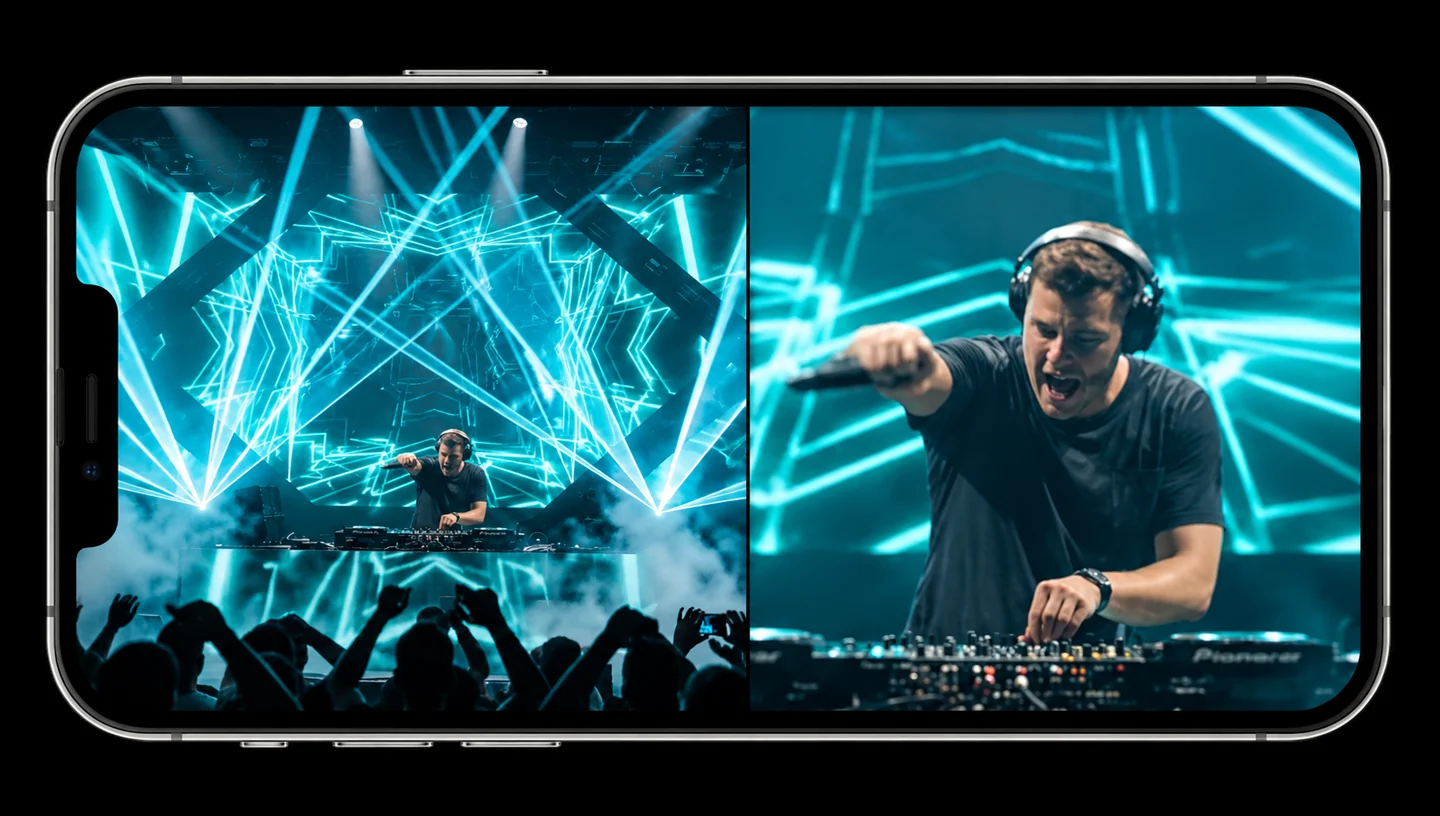
MultiScreen ILLUSTRATIVE VIEW4 VIEWS · FREE
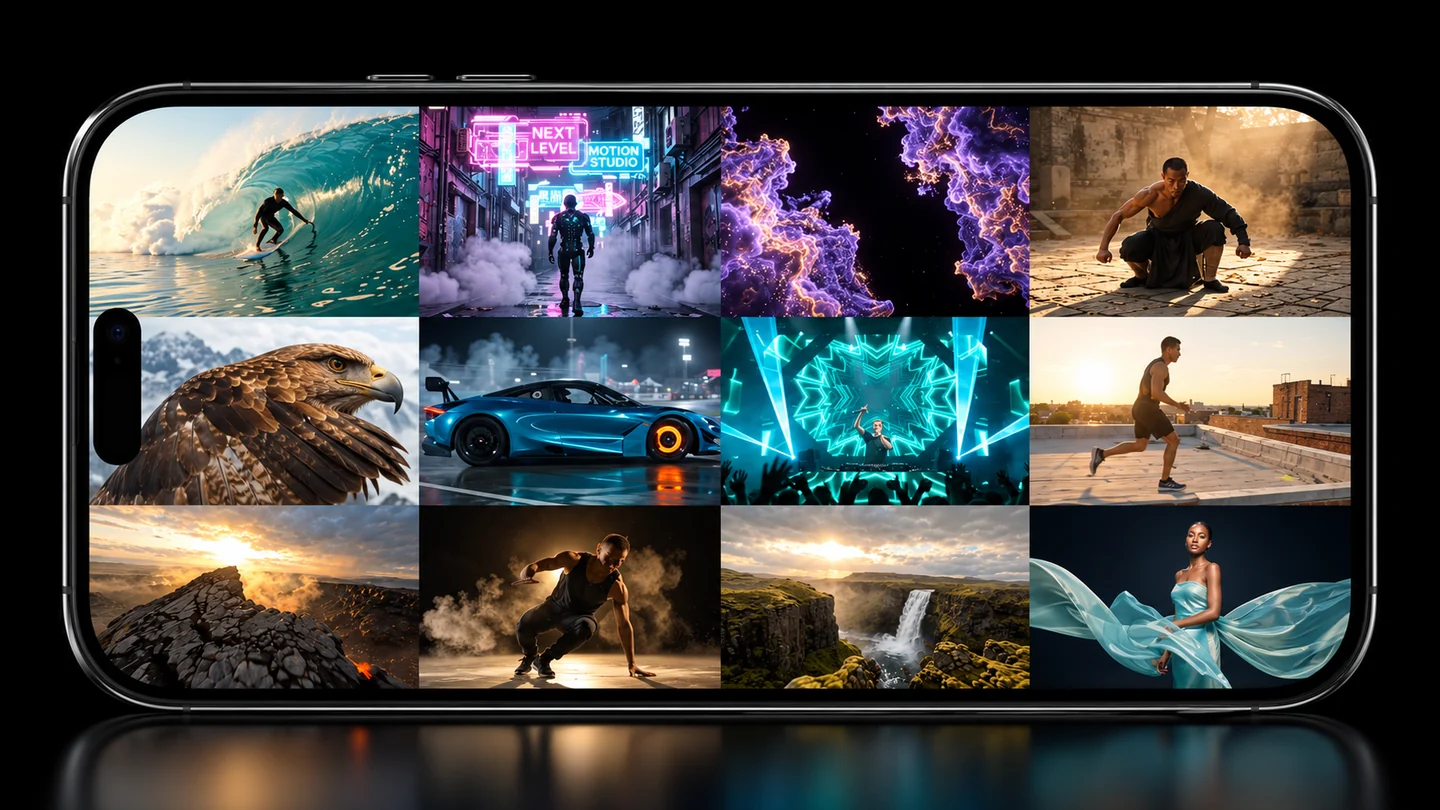
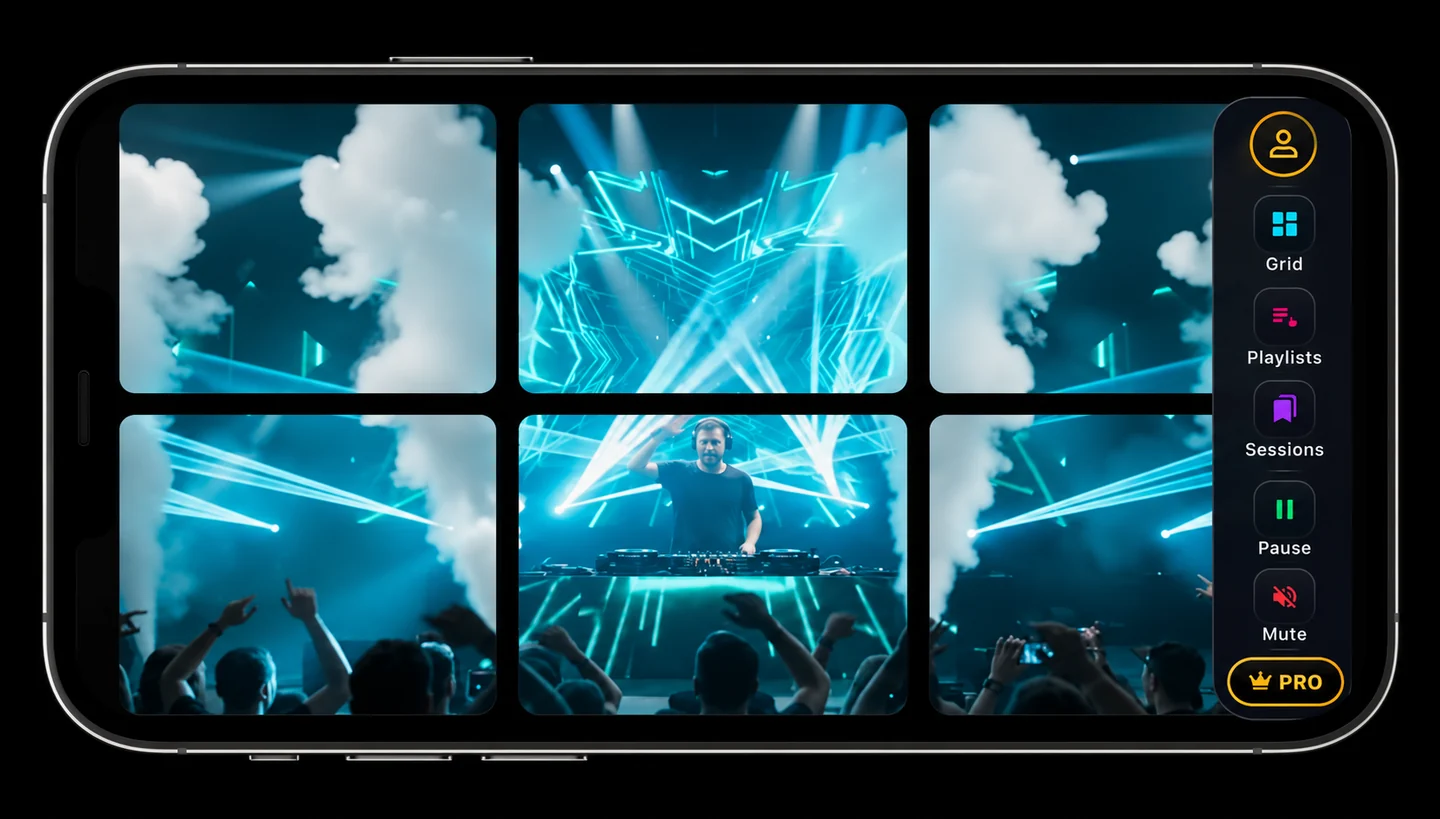
Choose a layoutVIDEOS + PHOTOS
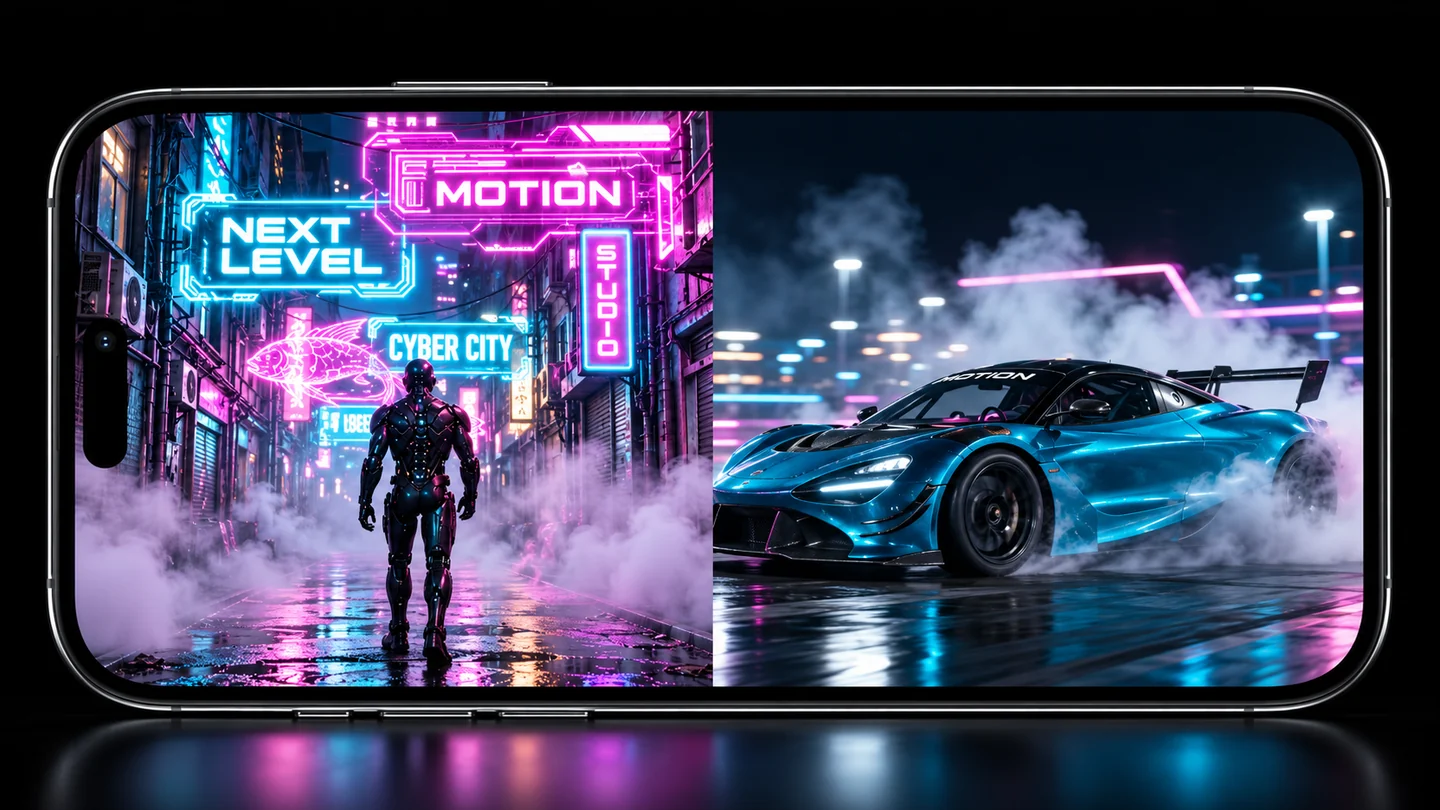
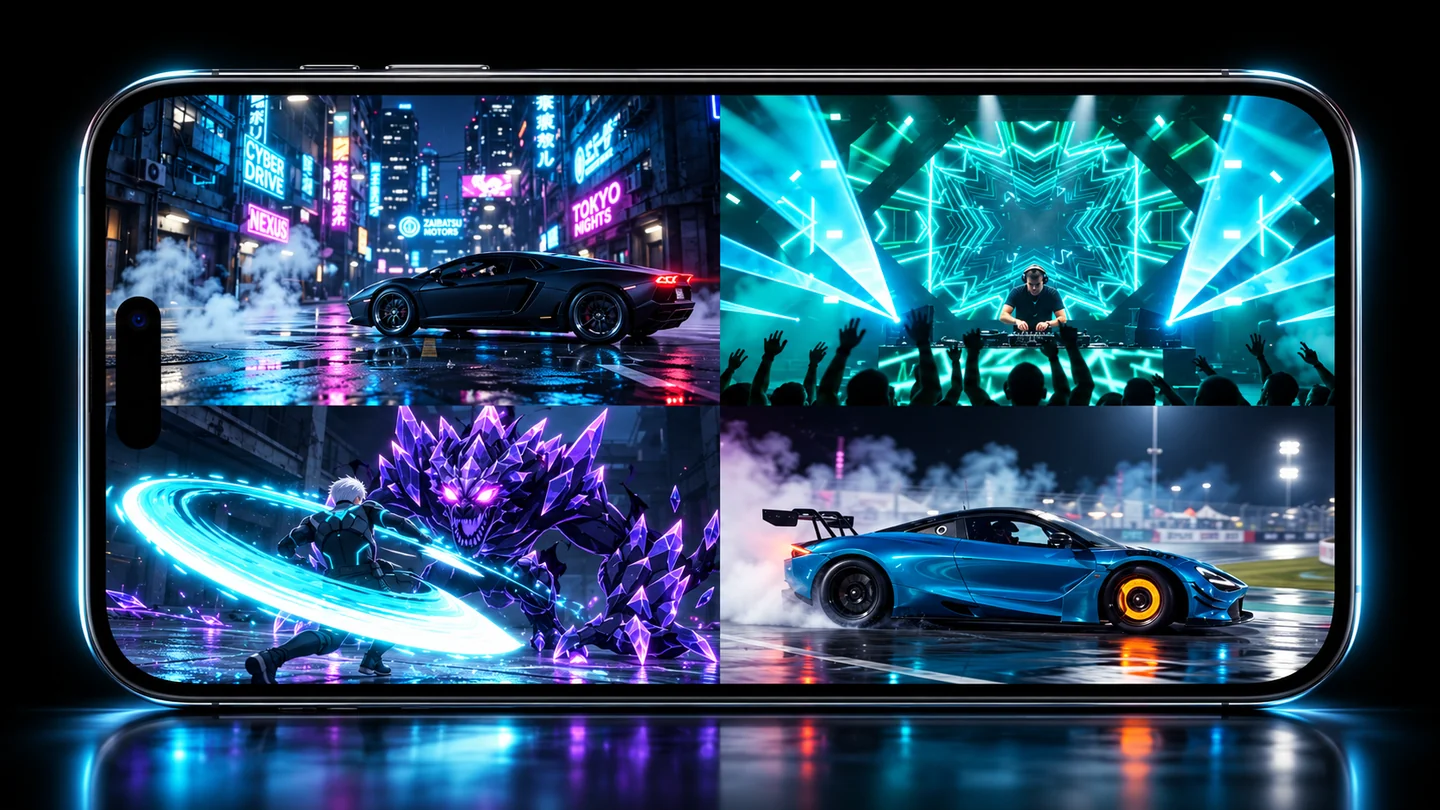
Illustrative view: four videos on a phone screen
Illustrative views of the features · The interface may vary by device.
1, 2 and 4 views freeUp to 12 views with PROLocal MP4 to shareGoogle TV on your local network
PICK YOUR USE

Compare a technique.
Prepare your next video.

A reference and your rehearsal. Two angles of one play. Several clips for a composition. All in view.

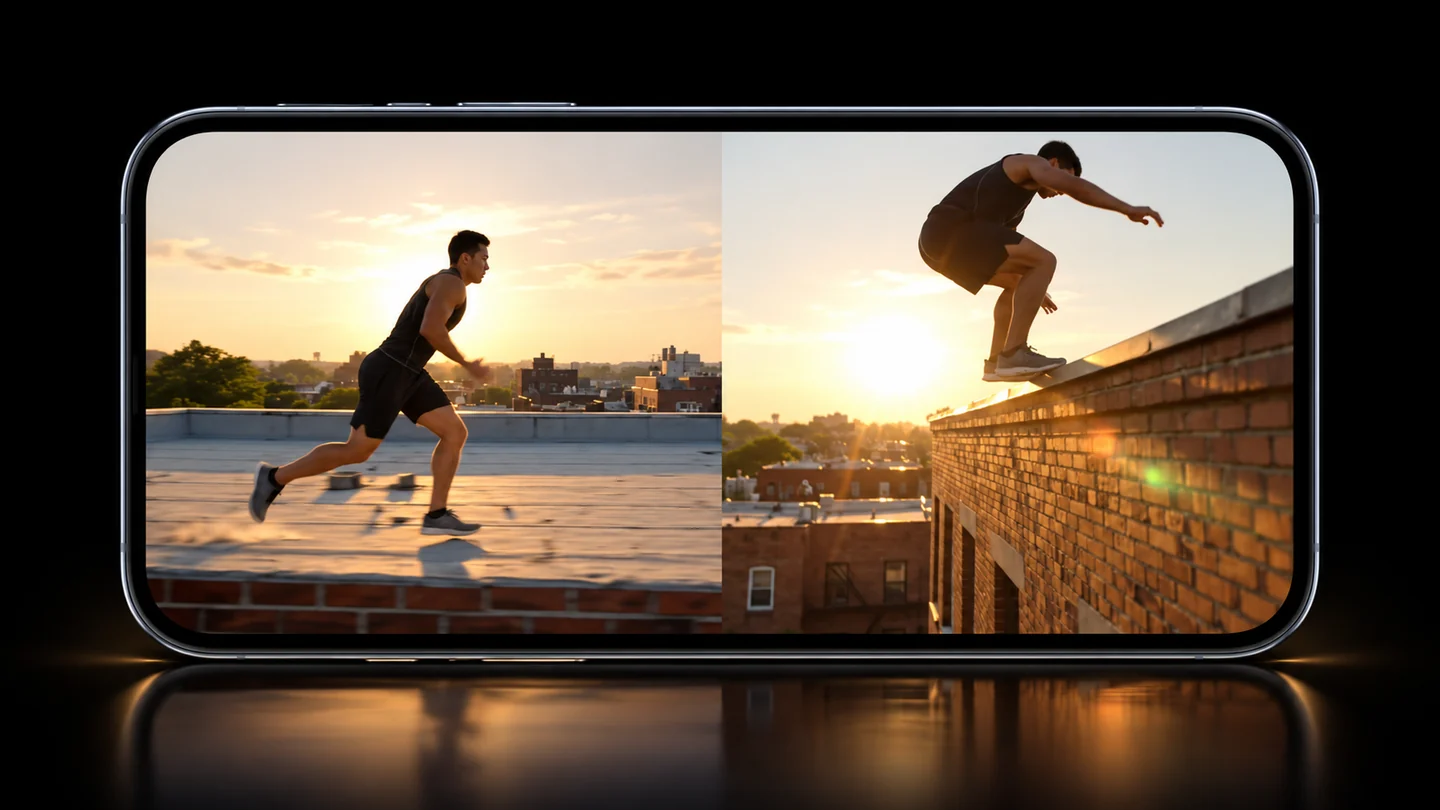
Sports comparison illustration: a run and a parkour jump, side by side
MOTION COMPARISON · ILLUSTRATIVE VIEW
SPORTS

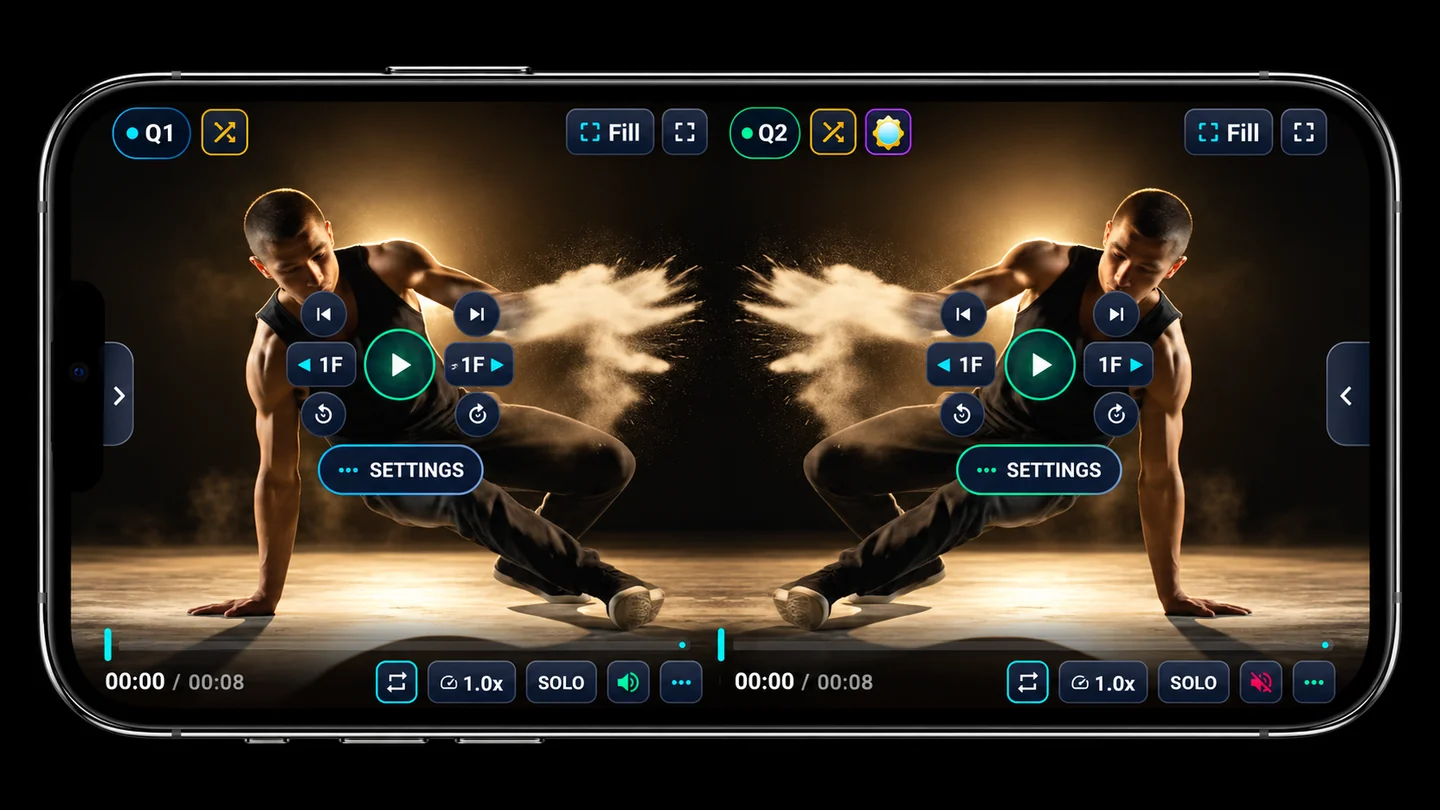
Review every phase of the movement.

Place two takes, or two moments of one clip, side by side. Slow it down and zoom into the area you want to review.

  • Independent zoom per view
  • Speed and volume per video
  • Overlay two takes
See the tools
TOOLS YOU'LL NOTICE

More control over every video.

Pick your files, arrange the screen and adjust each view separately.

Illustrative views. Check the options available for your device and plan in the app.

GRIDS & MANGA

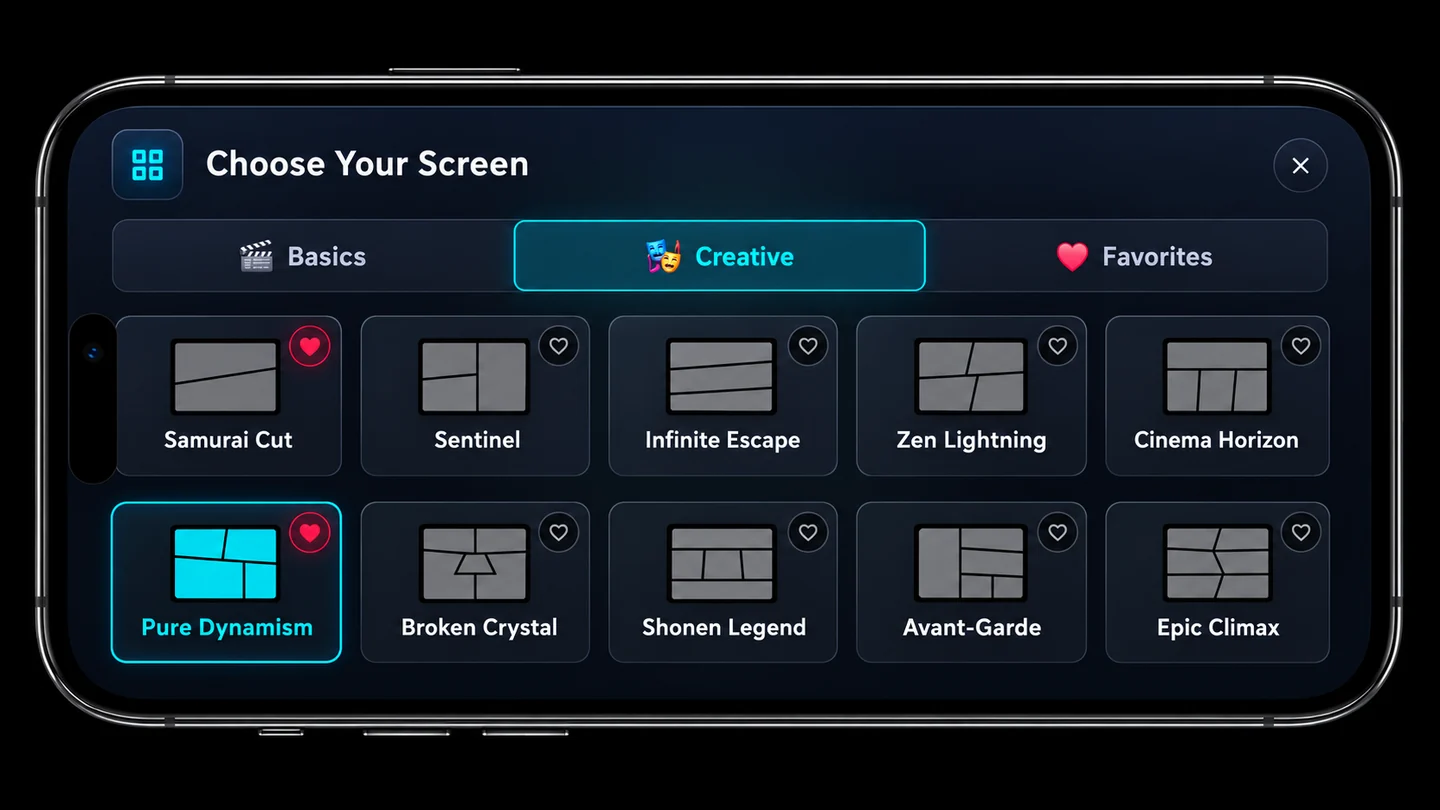
Up to 12 views.
You choose the layout.

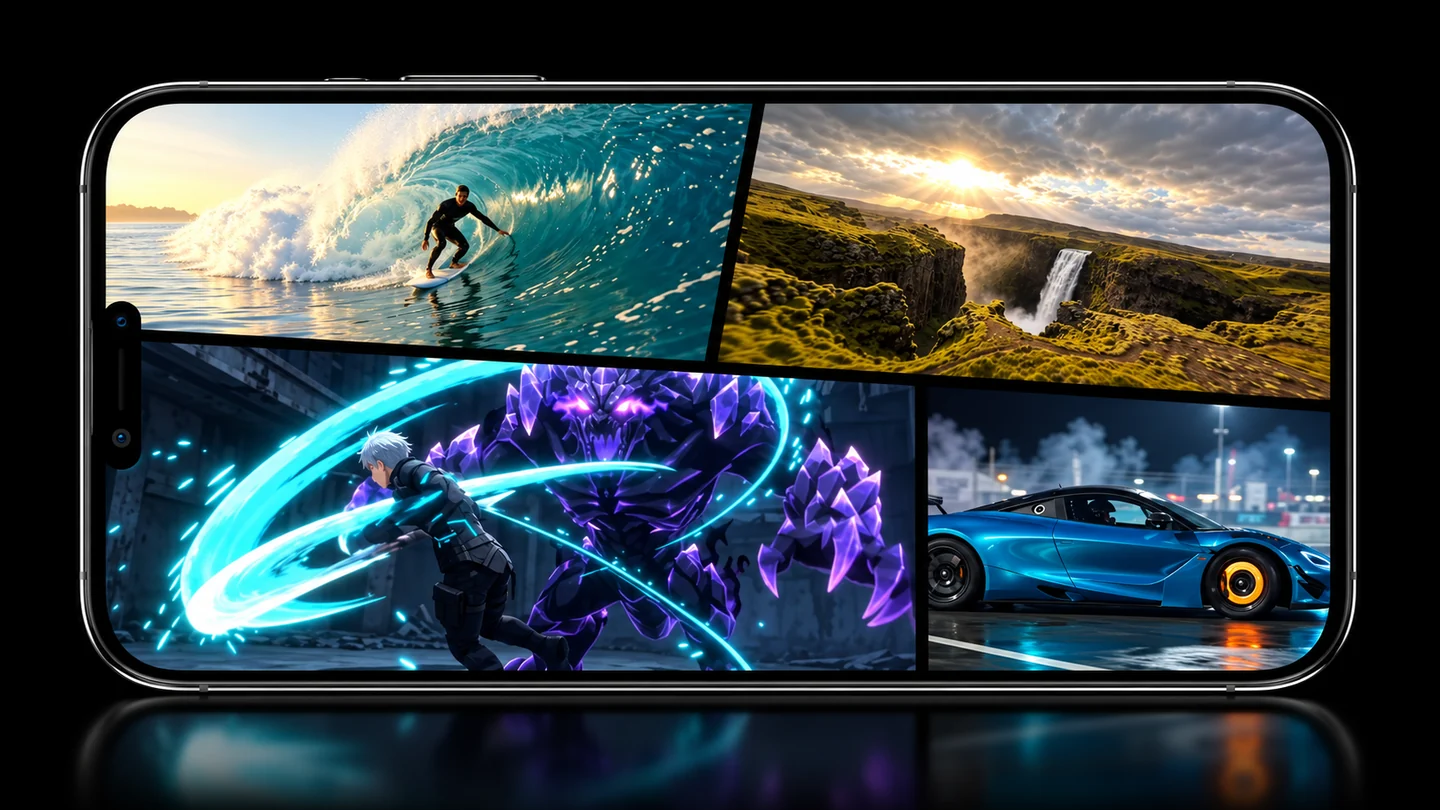
Combine videos and photos in classic grids or manga layouts. Use the free options and expand with PRO.

Simultaneous playback depends on the files, their resolution and your device's capabilities. Some layouts require PRO.

Illustration of the screen layout picker
GHOST MODE

Two takes.
The same movement.

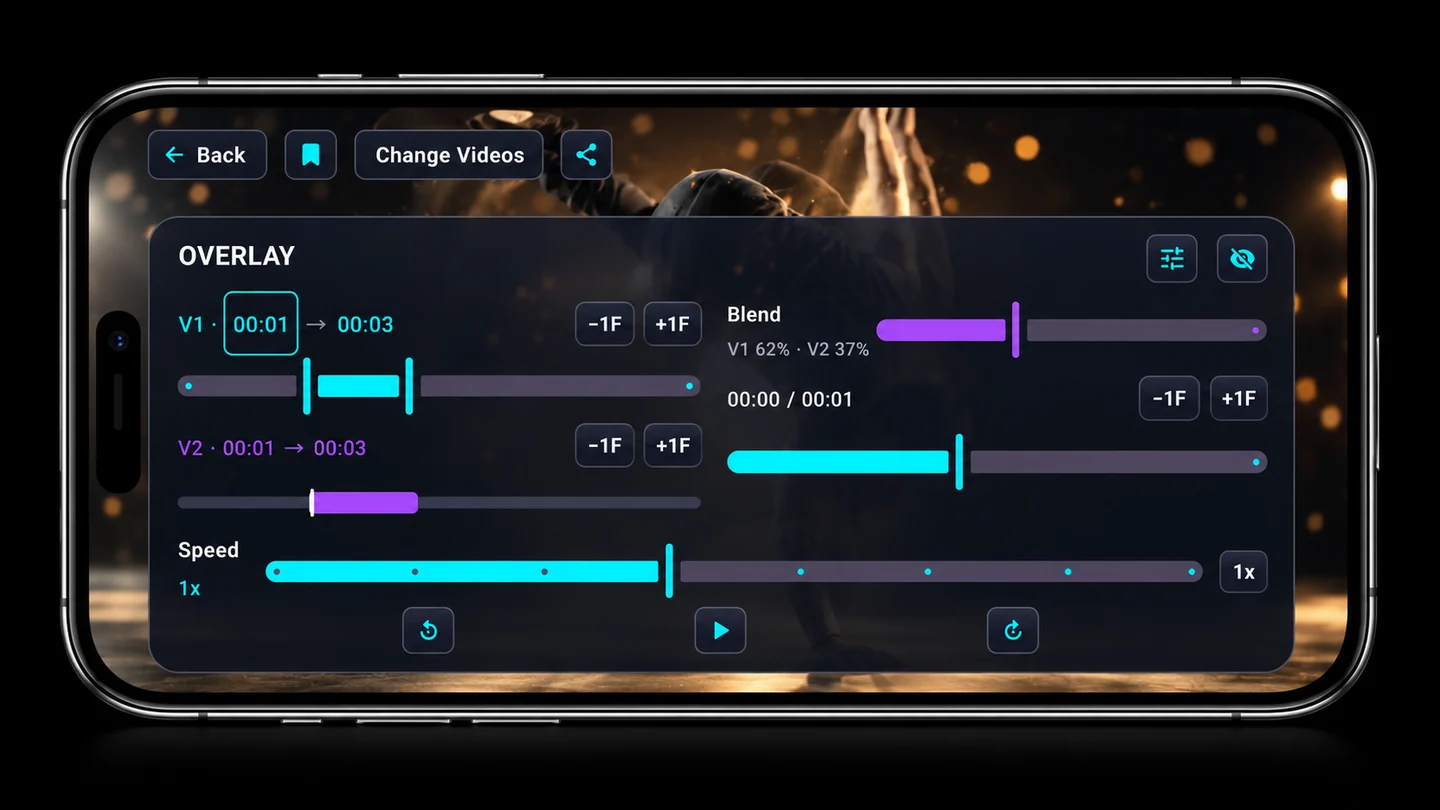
Overlay two videos, pick the segment and adjust the blend, speed and alignment. Save your comparison to continue later.

Illustration of Ghost controls: trims, blend and speed
ADJUST THE SEGMENT AND BLEND
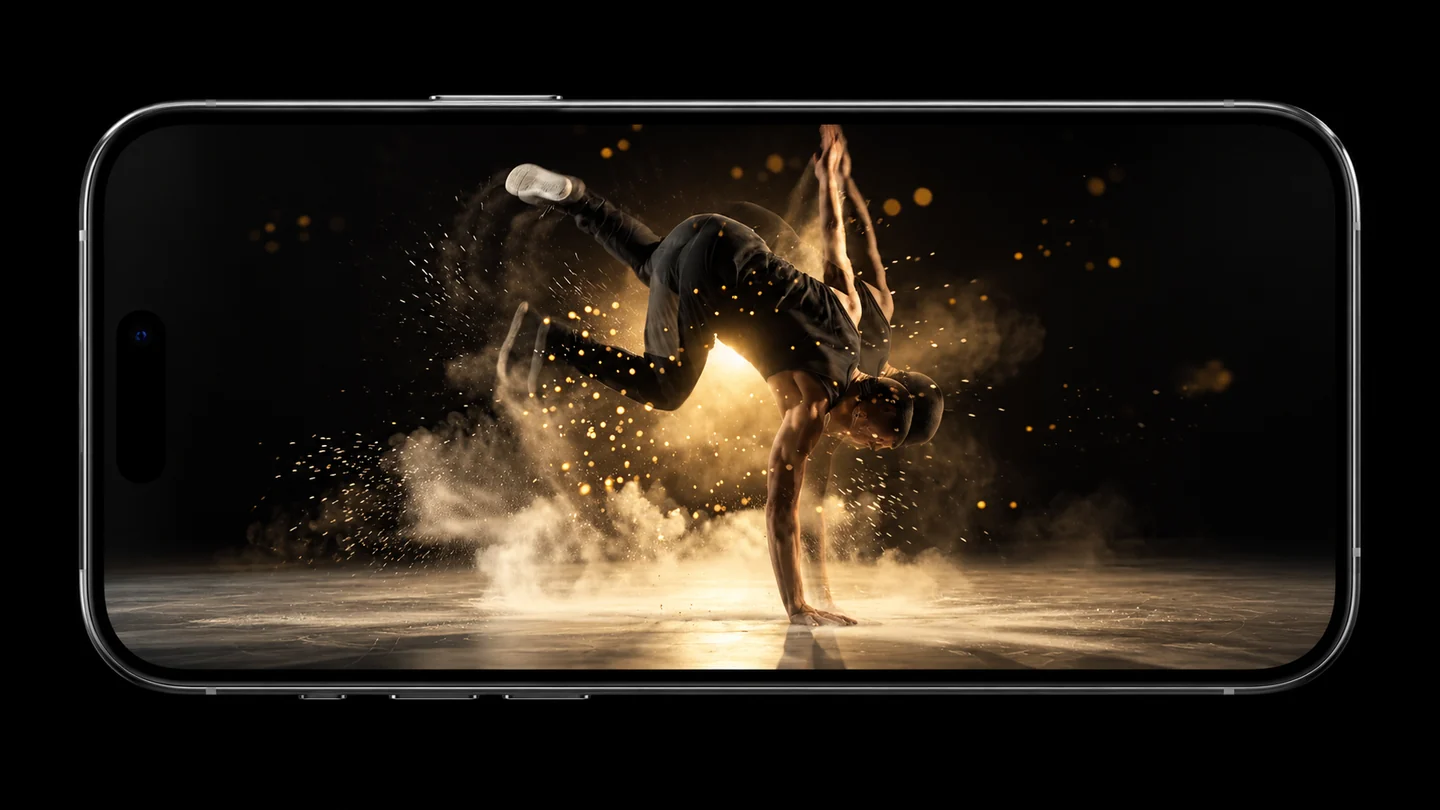
Illustration of two overlaid movements with the controls hidden
COMPARE WITHOUT CONTROLS IN THE WAY
Illustration of zoom bringing a video detail closer
ZOOM PER VIDEO

Get closer to the detail.

Adjust the framing of each shot separately to see exactly what you need.

Illustration of independent volume controls for each video
INDEPENDENT AUDIO

Choose what you hear.

Control each video's volume and mute the tracks you don't want in the mix.

Illustration of color filters and their picker
FILTERS

Change the mood.

Give each video a different look with the available filters. The original file is preserved.

Illustration of colored frames and the border picker
FRAMES & BORDERS

Every view, your style.

Combine borders, colors and frames to give your composition its own identity.

Illustration of the playlist manager with videos, order and preview
VIDEO PLAYLISTS

Everything ready to play.

Organize your clips in playlists, reorder them and choose which ones to play.

Illustration of a video spread across the views of a video wall
VIDEO WALL SIMULATOR

One image. Many views.

Explore how a shot looks when it is split across a composition of screens with the simulator.

Illustration of an MP4 file with a folded corner and a four-video composition
SAVE TO YOUR DEVICE. SHARE WHEREVER YOU LIKE.
MP4 EXPORT

Your composition.
Ready to share.

Export a scene of local videos and photos into a single MP4 file. No uploading your files to a cloud editor.

720pFree · up to 30 seconds
1080pAvailable with PRO
What the export includes

The selected compatible local sources are exported. Playlists don't advance during export and animated frames stay static. YouTube and network streams are not included.

ANDROID + GOOGLE TV

From your phone
to the big screen.

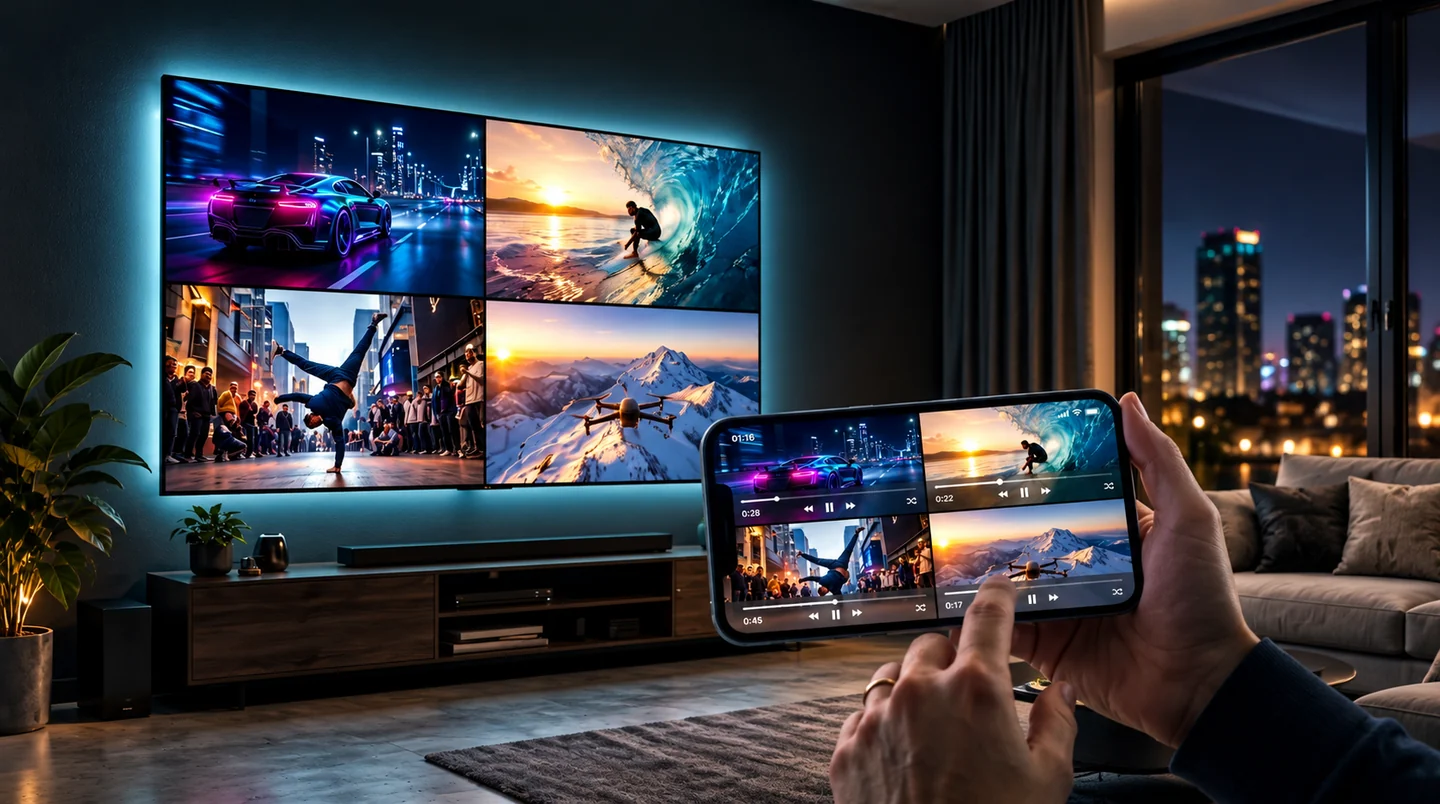
Connect the compatible apps on the same local network. Scan the TV's QR code and send your videos and photos from your phone.

  1. 01 Open the TV app.
  2. 02 Connect both devices to the same network.
  3. 03 Scan the QR code from your phone.

Requires the compatible apps and access to the feature according to your plan. The TV supports up to four views; photos use their own viewer. YouTube opens in an official full-screen viewer with independent controls.

Illustration of a four-video composition on a phone and a TV
VIDEOS ON THE BIG SCREEN Illustrative view.
FREE & PRO

Start free.
Expand with PRO.

Try local playback and the classic grids. Unlock more tools when you need them.

THE ESSENTIALS

MultiScreen Free

Play and organize your first videos.

  • Classic 1, 2 and 4-view grids
  • Local videos and photos
  • No ads during local playback
  • Export up to 30 seconds at 720p
Get it on Google Play
MORE VIEWS & TOOLS

MultiScreen PRO

Monthly, annual or lifetime.

  • Layouts with up to 12 views
  • PRO layouts and creative tools
  • Connection with the Google TV app
  • Local export up to 1080p
See PRO in the app

Choose monthly or annual PRO with automatic renewal, or a lifetime one-time purchase. Check local prices and any eligible offers in the app before confirming.

In supported app versions, an optional rewarded ad enables one 1080p export up to 30 seconds of a free composition with compatible local sources. It does not unlock PRO; ad availability may vary.

See plan and reward terms. Download availability depends on your country and account.

FREQUENTLY ASKED QUESTIONS

Quick
answers.

Need help?
Contact support

What can I do for free?

Play local files in the classic 1, 2 and 4-view grids, with no ads during playback. Export compatible local scenes up to 30 seconds at 720p. No ad is required for these features.

What do I get for watching an ad?

In supported app versions, completing an optional rewarded ad enables one 1080p export up to 30 seconds of a free composition with compatible local sources. It does not unlock PRO or Ghost. The permission is used only when the MP4 is saved successfully; a failed or canceled export keeps it for retry on the same installation. Ad availability may vary.

Can I play 12 videos at once?

There are layouts with up to 12 views. How many sources can play together depends on the format, the resolution and your device's capabilities. Having 12 views does not guarantee 12 simultaneous videos on every device.

Are my videos uploaded to the cloud?

Local files are processed on your device. If you choose to cast to a TV or share an export, the content is sent to the destination you pick. Account, purchases, optional ads and optional diagnostics rely on external services, described in our privacy policy.

What can I export to MP4?

Scenes made of compatible local videos and photos: free up to 30 seconds at 720p; with PRO, up to 1080p. Playlists don't advance and animated frames stay static. YouTube and network sources are not exported.

How does it work with Google TV?

You need the compatible apps on your phone and TV, access to the feature according to your plan, and both devices on the same local network. Scan the TV's QR code. There are up to four views; photos use their own viewer and YouTube opens in an independent, official full-screen viewer.

Can I use YouTube?

The app uses the official YouTube player, with its own controls. It requires an Internet connection and a suitable viewing area; you may need to enlarge the view. Its content cannot be downloaded or exported to MP4 from MultiScreen.

Where do I manage PRO or delete my account?

Manage subscriptions from Google Play. To request deletion, use the delete account option in the app's profile or visit account and data deletion. Deleting your account does not cancel a subscription or remove your local videos.
START WITH 1, 2 OR 4 VIEWS FOR FREE

Your videos together.
Your screen in control.

For Android · Free features and optional in-app purchases

Open Google Play